
Generator Auto mode means your standby generator is set to respond automatically when utility power goes out. If the generator is not in Auto mode, it may not start during an outage, even if the system is otherwise working.
For homeowners who rely on backup power, Auto mode is one of the most important settings to understand. It helps the generator, controller, and transfer switch work together when power is interrupted.
What Is Generator Auto Mode?
Generator Auto mode is the standby setting that allows the generator to start automatically when the system detects a utility outage. Once power returns, the system can transfer the home back to utility power and shut the generator down, depending on the setup.
Generac’s Auto mode guidance explains that the steps for placing a unit in Auto can vary depending on the control panel model.
This is why homeowners should always follow the manual for their specific generator or contact a qualified professional if they are unsure.
Why Your Generator Needs to Be in Auto Mode
A home standby generator is designed to provide automatic backup power when the utility power goes out. However, the generator can only start automatically if it is set to Auto mode.
If the generator is left in Off or Manual mode, it may not respond when an outage occurs.
Keeping your generator in Auto mode allows the system to:
- Detect a power outage automatically
- Start the generator without manual input
- Activate the transfer switch when needed
- Run scheduled exercise cycles
- Stay ready for unexpected outages
For homeowners relying on backup power, leaving the generator in Auto mode is one of the simplest ways to make sure the system is prepared when it is needed.
Learn more about how standby systems work in this guide on what is a home standby generator
Auto Mode vs Manual Mode
Auto mode and Manual mode are not the same.
Auto Mode
Auto mode allows the generator to respond automatically when utility power is lost. This is the normal standby setting for many home backup generator systems.
Manual Mode
Manual mode may allow the generator to start manually, depending on the system. However, Manual mode should not be treated as the regular standby setting for automatic outage protection.
If your goal is automatic backup power, the generator usually needs to be in Auto mode.
How Auto Mode Works With the Transfer Switch
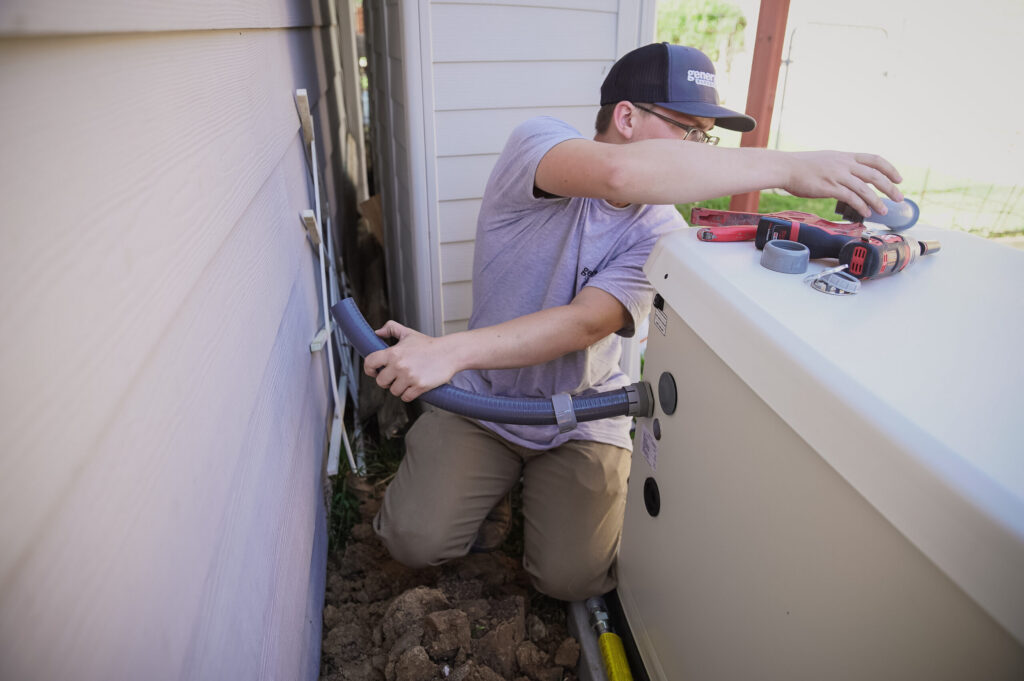
The automatic transfer switch is a key part of the standby generator system. It helps manage the shift between utility power and generator power.
Generac explains that automatic transfer switches transfer power automatically to the generator source and switch back to utility power when service is restored.
This is why the generator, transfer switch, controller, and fuel supply all need to work together. For a deeper explanation, this guide on generators and transfer switches explains why the transfer switch matters.
Why a Generator May Not Be in Auto Mode
A generator may be out of Auto mode for several reasons. Some are simple, while others may need service.
Common reasons include:
- Someone turned the unit to Off
- Service was recently performed
- A fault code needs to be cleared
- The controller shows a warning
- The generator failed an exercise cycle
- The battery is weak
- The unit detected a system issue
- The control panel needs attention
If the generator shows a warning light, this guide on generator status lights can help explain common green, yellow, and red indicators.
What Happens If the Generator Is Off?
If the generator is switched to Off, it may not start automatically during an outage. This can leave the home without backup power when the system is needed most.
Generac also has support guidance for when a generator shows switched to Off and needs to be returned to Auto mode.
If the unit will not stay in Auto or keeps returning to Off, schedule service instead of repeatedly resetting it.
Should You Change Auto Mode Yourself?
Some homeowners may be able to place the generator back into Auto mode by following the owner’s manual. However, you should avoid pressing buttons or clearing alerts if you do not understand the warning shown on the controller.
Do not attempt to change settings if:
- The generator smells like fuel
- The unit was exposed to flooding
- There is visible damage
- The control panel shows repeated faults
- The generator recently failed to start
- You are unsure what the alert means
If the generator has a fault, the safer step is to write down the message or code and contact a professional.
Auto Mode and Exercise Cycles
Many standby generators run scheduled exercise cycles. These short test runs help the system stay ready and may reveal problems before an outage happens.
If the generator is not in Auto mode, the exercise cycle may not run as expected. Missed exercise cycles can make it harder to notice battery problems, startup issues, or service alerts.
If your generator has not been exercising normally, it may need inspection. Routine generator maintenance can help keep the system ready.
Auto Mode After Service or Maintenance
After maintenance, repair, or inspection, the generator should be returned to the correct standby setting. If it is accidentally left in Off or Manual mode, it may not respond automatically during the next outage.
This is one reason homeowners should check the generator status after a service visit, storm event, or warning light.
If you are not sure whether your generator is ready, professional standby generator service can help confirm the unit is set up correctly.
When to Call a Professional
Call a generator professional if your generator will not go into Auto mode, will not stay in Auto mode, shows a warning, or failed to start during an outage.
Professional help is especially important if:
- The generator shows a red light
- The control panel displays a fault code
- The battery warning is on
- The unit recently failed an exercise cycle
- The generator starts but shuts off
- The unit was exposed to water or storm damage
- You are unsure which control panel setting is correct
A technician can inspect the controller, battery, charger, fuel supply, transfer switch, wiring, and service history to find the cause.
Final Thoughts
Generator Auto mode is the setting that allows a standby generator to respond automatically during an outage. If the unit is not in Auto mode, it may not start when utility power fails.
Homeowners should check the generator status regularly and schedule service if the system shows warnings or will not stay in Auto. For help with generator settings, service, or standby power concerns, contact Generator Supercenter of Broward for professional guidance.
FAQs
What does Auto mode mean on a generator?
Auto mode means the generator is set to respond automatically when utility power goes out. It is the normal standby setting for automatic backup power.
Should my standby generator always be in Auto mode?
In most cases, yes. If you want the generator to start automatically during an outage, it usually needs to be in Auto mode.
Why is my generator not in Auto mode?
It may have been turned off, recently serviced, or stopped by a warning or fault code. If it will not return to Auto, schedule service.
Can I put my generator back into Auto mode myself?
Possibly, depending on the model and the reason it is out of Auto mode. Follow the owner’s manual, and do not clear unknown faults without professional help.
Will my generator run its exercise cycle if it is not in Auto mode?
It may not exercise as expected if it is not in the correct standby setting. If exercise cycles are being missed, have the generator checked.