
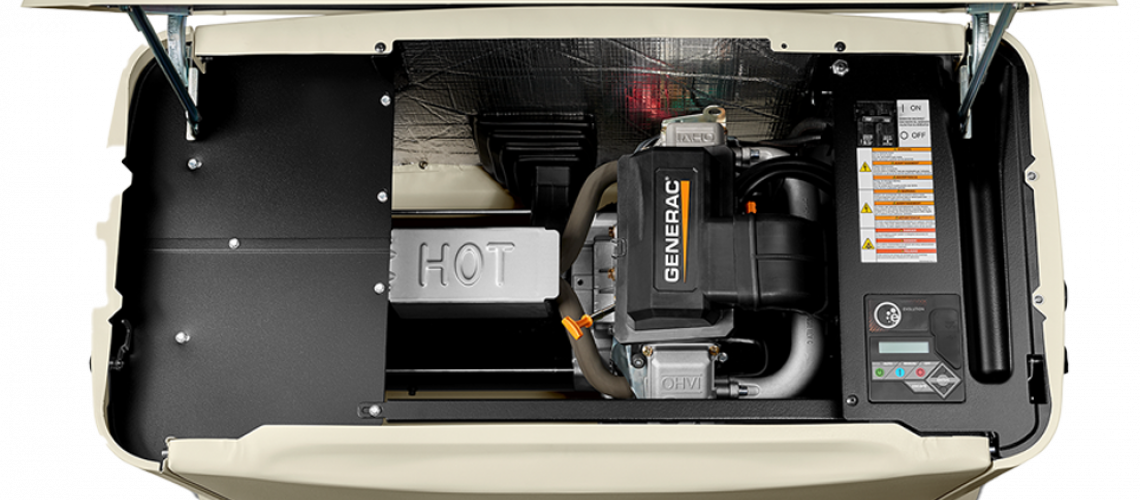
A generator never runs without making noise. A home standby unit always makes some sound when it starts, tests itself, or powers your home during an outage. Generac explains that these units run scheduled practice cycles, and Briggs & Stratton confirms that many newer units regularly self-check during normal operation.
Ever notice your generator suddenly sounding louder or making unfamiliar noises? It might be trying to grab your attention and warn you about a potential issue.
When Generator Noise Is Normal
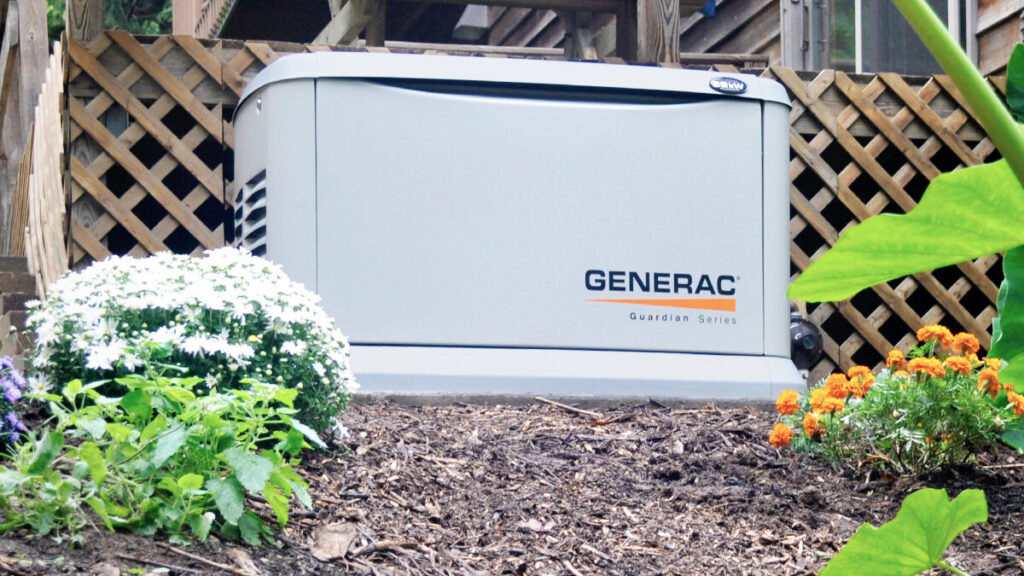
You should expect some generator noise, especially during an automatic exercise cycle. Generac notes that you can set exercise frequency to weekly, biweekly, or monthly on many home standby models, and some units offer Quiet Test mode to reduce noise during testing. Briggs & Stratton offers short weekly test modes designed to reduce noise and fuel consumption.
If your generator starts up right when expected and sounds just like it always has, relax! You’re most likely hearing the reassuring sound of normal operation.
Noises That Should Not Be Ignored
(Image placeholder)
New noises matter more than familiar ones.Here are a few examples of sounds that deserve attention:
Rattling or vibrating
A rattling sound may signal something is loose, out of place, or shaking more than it should. Even if your generator keeps running, you should not ignore unusual vibration, as it can worsen over time.
Grinding noise
Never ignore grinding noises. These sounds can indicate internal wear or mechanical issues that require professional service.
Sputtering or rough running
If the generator sounds rough or uneven, or sputters while running, problems with fuel can cause rough or inconsistent power.
Excessive fan noise or heat
If your generator sounds strained, unusually loud, or overheated, it may be overloaded. Excessive heat and fan noise can signal a generator carrying more than it should.
What to Check First
- Check when the noise happens: See if the sound only happens during the normal exercise cycle or during an actual power outage.
- Look at the control panel: Check for any warning lights or fault indicators that may point to a problem.
- Think about recent maintenance: Consider when the generator was last serviced and whether routine maintenance has been missed.
- Notice any changes in performance: Pay attention to whether the generator is also starting hard, running rough, or struggling to carry the load.
- Compare it to its usual sound: If the generator sounds louder or different than normal, that may be a sign something needs attention.
When to Call for Service
You should call for professional service if the noise is new, getting worse, or happening along with warning lights on the control panel. It is also a good idea to have the generator checked if it is harder to start, runs unevenly, or no longer sounds like it normally does during operation.
Strange sounds often point to a problem that can grow over time, so it is better to address it early rather than wait for the generator to fail during an outage.
Conclusion
Your generator always hums in the background, but it shouldn’t suddenly sound harsh, rough, or unfamiliar. You expect normal exercise sounds like rattling, grinding, sputtering, or strained operation means it’s time to act.
Catching these changes early gives you a better shot at avoiding a bigger repair down the road.
Looking for reliable backup power or guidance selecting the right generator for your home? Explore our whole house generator options crafted for dependable performance.